Hunter ESP settings to enable first
Start with distance caps and enemy-only filters before turning on every wallhack-style option.
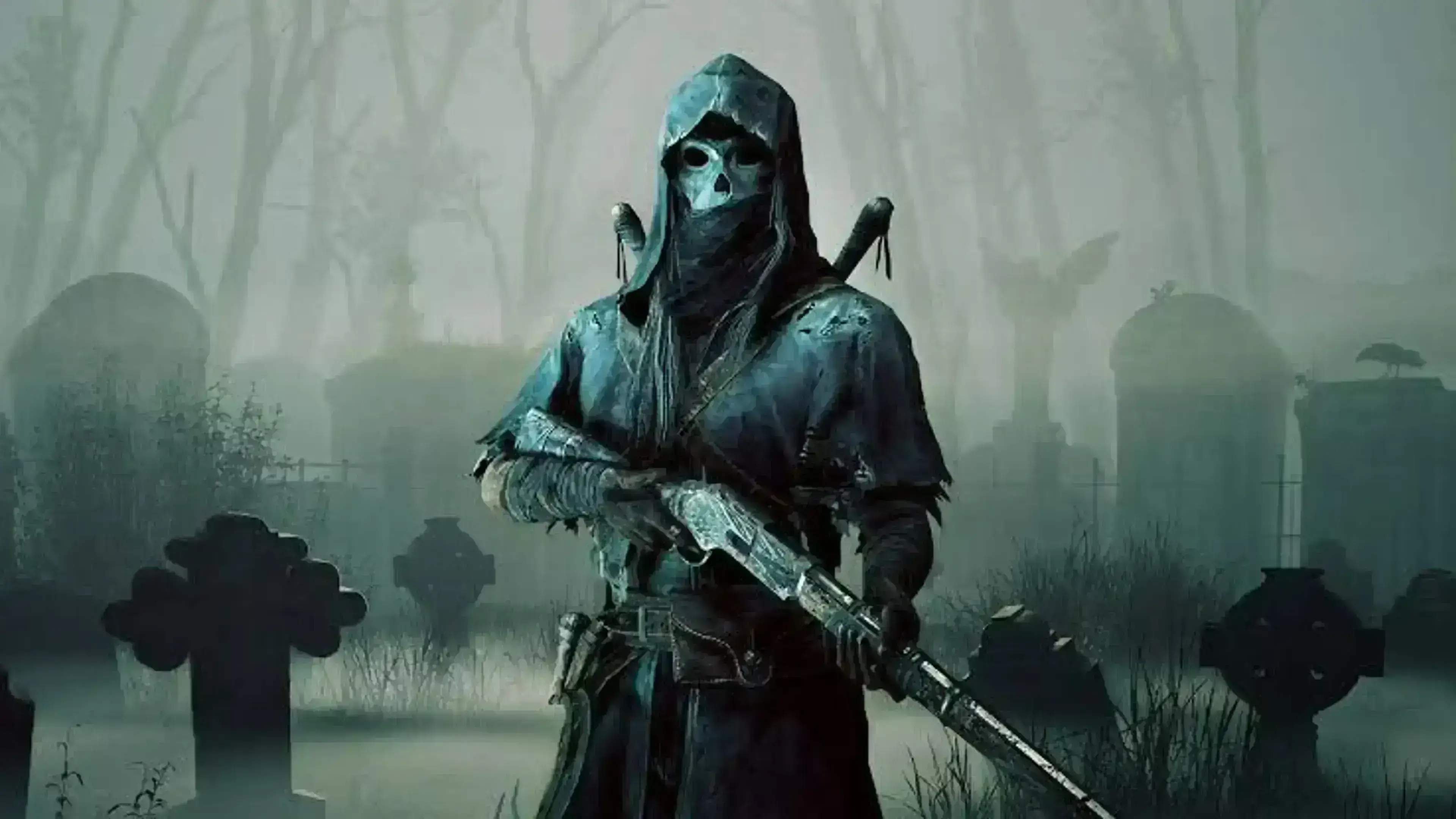
Baseline toggles
Enable enemy hunter boxes with a 150–200m cap first. Add name tags once you confirm FPS stays stable.
Disable downed hunters until you want cleanup fights — they clutter the overlay during boss burns.
Color and visibility
Use separate colors for teams when trios queue. Keep opacity below 100% so grass still reads naturally on recordings.
More detail: /hunt-showdown-esp/ and /hunt-showdown-wallhack/.
Next reads
Want to tune ESP or combat assist before checkout? Read Product thread and How to Install & Use Hunt: Showdown Cheats on Windows PC, compare modules on the product page, and check live Crytek patch status on /updates/ before you buy.